
An operating system for the law officewhose files never leave it.
Cases, clients, filings, evidence, hearings, execution and collection in one Arabic-first system that runs on the office's own machines — and keeps running when the connection drops.
A native right-to-left Arabic interface, in Palestinian court terminology.
What actually leaves the office?
A boundary drawn into the architecture, not into a marketing promise. Here is the whole of it:
Stays inside the office
On the office's own machines, encrypted at rest. We hold no copy of it.
- Cases and their files
- Clients and their records
- Filings, contracts and correspondence
- Evidence and attachments
- Tasks and hearings
- Execution, collection and balances
- Backups
- The audit log
Crosses the internet
A separate commercial and technical channel, built so that it cannot receive legal data.
- Licence verification
- Software updates
- Legal-source updates
- A support message you write yourself
This website is a commercial contact channel only. There is no customer login on it, and no case files or client documents are ever uploaded through it. Your office name and a way to reach you is all we need.
Everything the office does, in one place.
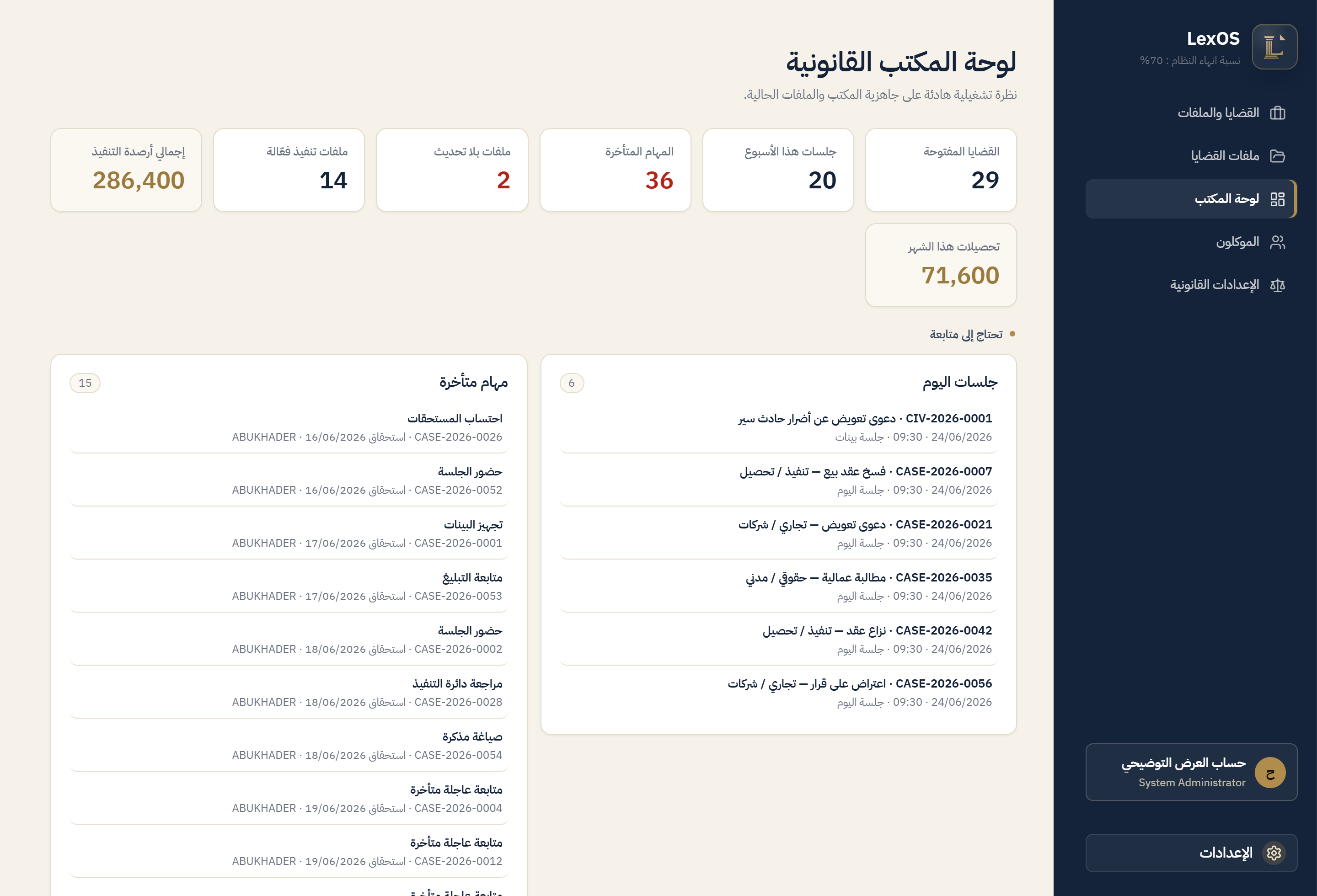
Seven sections on one database: what you record in any of them appears in the context of the others without being re-entered.
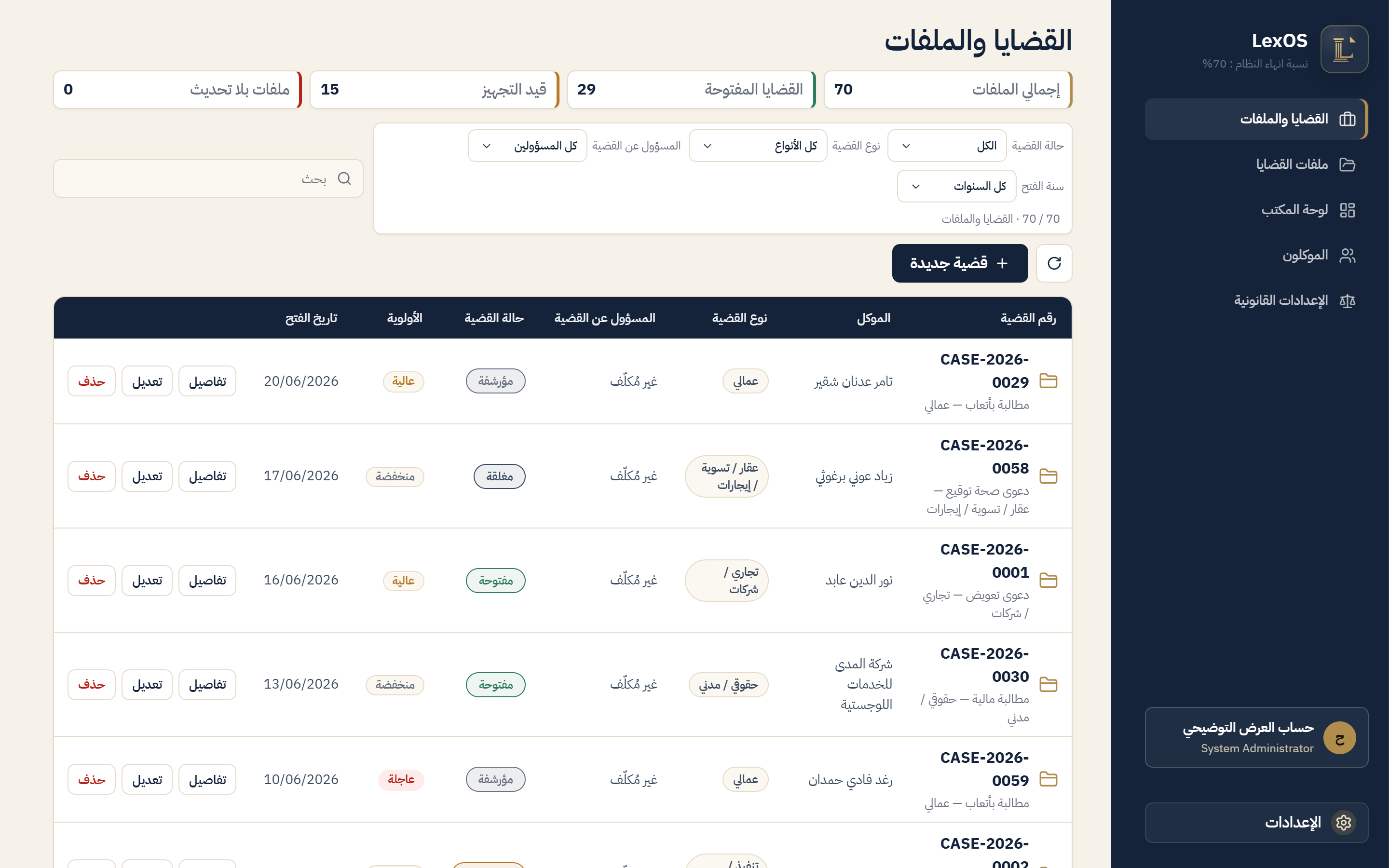
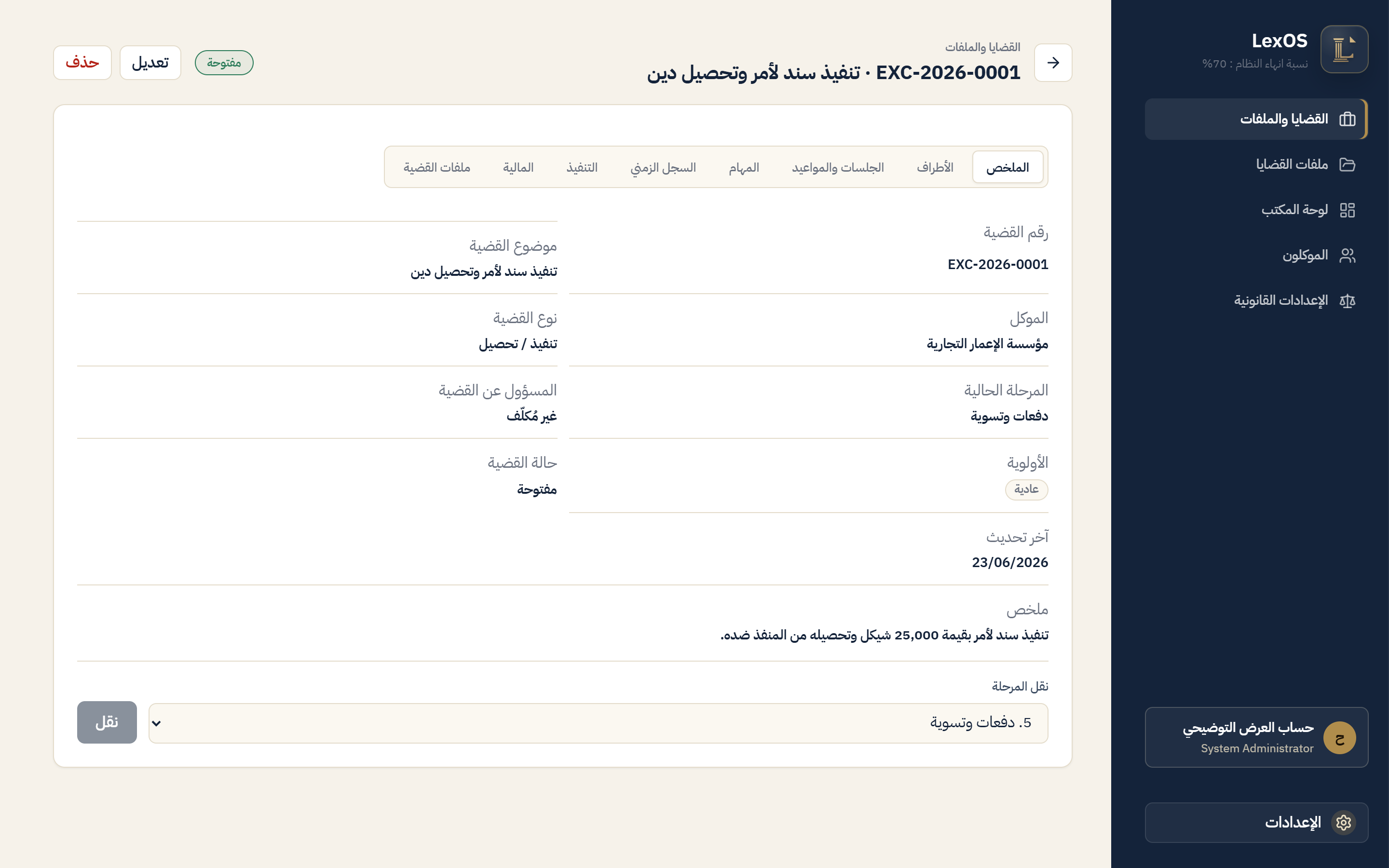
- Cases
- A file per matter: its parties, the court level, the stages and the legal deadlines, under the office's own numbering and classification.
- Clients
- The client record and its link to their matters, filings and financial position on one page.
- Filings
- Pleadings, memoranda, contracts and correspondence, tied to the case and the client and kept with their earlier versions.
- Evidence
- Evidence and attachments classified and reviewed inside the case file, apart from any commercial channel.
- Tasks
- Assigned to a name, with a state and a follow-up date, so nothing is dropped between one hearing and the next.
- Hearings
- The hearing calendar and court dates carried together with the context of their case.
- Execution and collection
- Execution files, amounts due and client balances, followed through to the end.
From inside the system.
Screens as they are, not illustrations of them.
Permissions and an audit trail a law firm can stand behind.
Each role gets what belongs to it. What does not belong to it is never reachable.
- Server-enforced permissions. The decision is made there, never in the browser.
- An audit log. Sensitive actions are recorded with who, when and why.
- Encrypted backups. A daily encrypted copy, and a recovery code printed once to be kept in the office safe.
- A documented restore. Restoring a backup is a written procedure you can run, not a promise.
- Management
- Users, permissions and office settings, with full visibility.
- Lawyers
- Cases, filings, evidence and hearings within what is assigned to them.
- Finance
- Fees, collection and balances, without opening the contents of evidence.
- Office support
- Data entry and administrative follow-up inside narrow, predefined limits.
Bought once. Yours to keep.
No subscription decides whether your system keeps running.
A perpetual licence
Paid once, with no expiry date. It works with no internet connection and is bound to the office machine.
Legislative updates — an optional yearly subscription
Palestinian legislation moves by decree-law, and the subscription keeps the sources current. It is separate from the licence, and you may stop it whenever you want.
It is never locked
If the subscription ends, your files stay readable in front of you with a note showing the date of the last legal update. Your work does not shut down on a difficult day.
Prices are not published here. They are set after the office's needs and number of users are assessed.
Installed in your office, by the person who built it.
No self-signup and no drive-by download. We agree first, then the system is installed in your office and your team is trained on it.
Sales sales@trylexos.co · Support support@trylexos.co